Game Console Repair in Cedar Fort, Utah

Repair help for Cedar Fort customers from FixMY in Pleasant Grove. Start a request, ask for a quote, call, or text with your device details.

Listed ZIP code: 84013

Why Choose FixMY in Cedar Fort?

  • Game Console Repair guidance for Cedar Fort customers
  • Lifetime parts-only coverage on eligible non-OEM parts plus a 90-day workmanship warranty.
  • Console HDMI, power, thermal, storage, and controller repairs commonly need two to five business days after diagnosis and parts confirmation. Board-level damage or special-order parts can take longer.
  • Quote-first and diagnostic request paths are available before you commit
  • Based in Pleasant Grove, UT; contact FixMY before arranging next steps
  • Call or text (801) 406-9003 with the device model and symptom
Repair details

Review full game console repair details.

See symptoms, diagnostic triggers, quote confidence, and recent repair examples before you send the local request.

Review Repair Details

Serving Cedar Fort & Utah County

Cedar Fort is a west Utah County community where repair requests should start with device details before arranging travel or service next steps. Game Console Repair requests from Cedar Fort should start with the exact model, symptom, ZIP code, and preferred contact method. Cedar Fort customers often reference local pickup or travel timing around Cedar Valley and Utah State Route 73.

Local context:

  • Cedar Valley
  • Utah State Route 73

Local Game Console Repair Details for Cedar Fort

Service Notes

FixMY serves Cedar Fort game console repair customers from Pleasant Grove with a contact-first repair process. FixMY handles PlayStation, Xbox, Nintendo Switch, Steam Deck, and handheld console repair requests from Pleasant Grove. Common symptoms include HDMI damage, no video, no power, overheating, failed updates, storage trouble, and controller or pairing issues. Customers in ZIP 84013 can call, text, or start the guided repair assistant before arranging service details.

Game Console Repair Guidance

Console repair is often diagnostic-first because HDMI, power, thermal, and storage symptoms can point to board, port, fan, drive, firmware, or accessory failures. FixMY reviews the symptoms before quoting the repair path. Game Console Repair requests commonly involve PlayStation 5, PlayStation 4, Xbox Series X/S, Xbox One, with symptoms such as HDMI port replacement, No power or dead console, Disc drive not reading games, Overheating and thermal issues. The most useful intake details are console model and generation, hdmi, no-video, no-power, overheating, storage, update, disc, or controller symptoms, whether the console was dropped, moved while plugged in, or exposed to liquid, any error codes, lights, fan behavior, or update messages.

Before You Start

  • Bring the power cable, HDMI cable, dock, or controller if it may be part of the issue.
  • Do not keep powering on a console that overheats, sparks, smells burnt, or repeatedly shuts off.
  • Write down any error codes or update messages before the console is unplugged.
  • If game saves matter, mention storage or data concerns before deeper repair starts.

Common Game Console Repair Issues in Cedar Fort

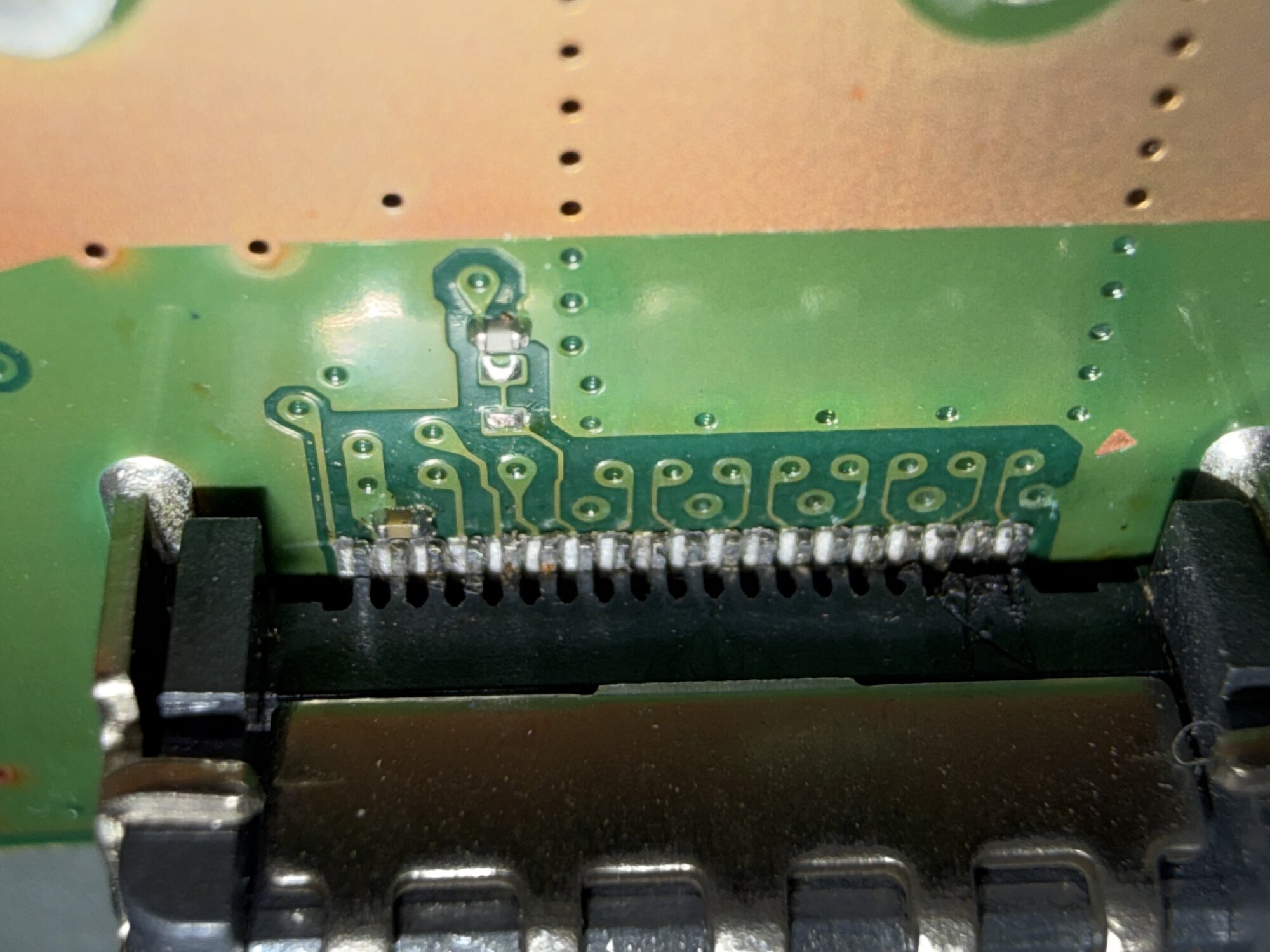
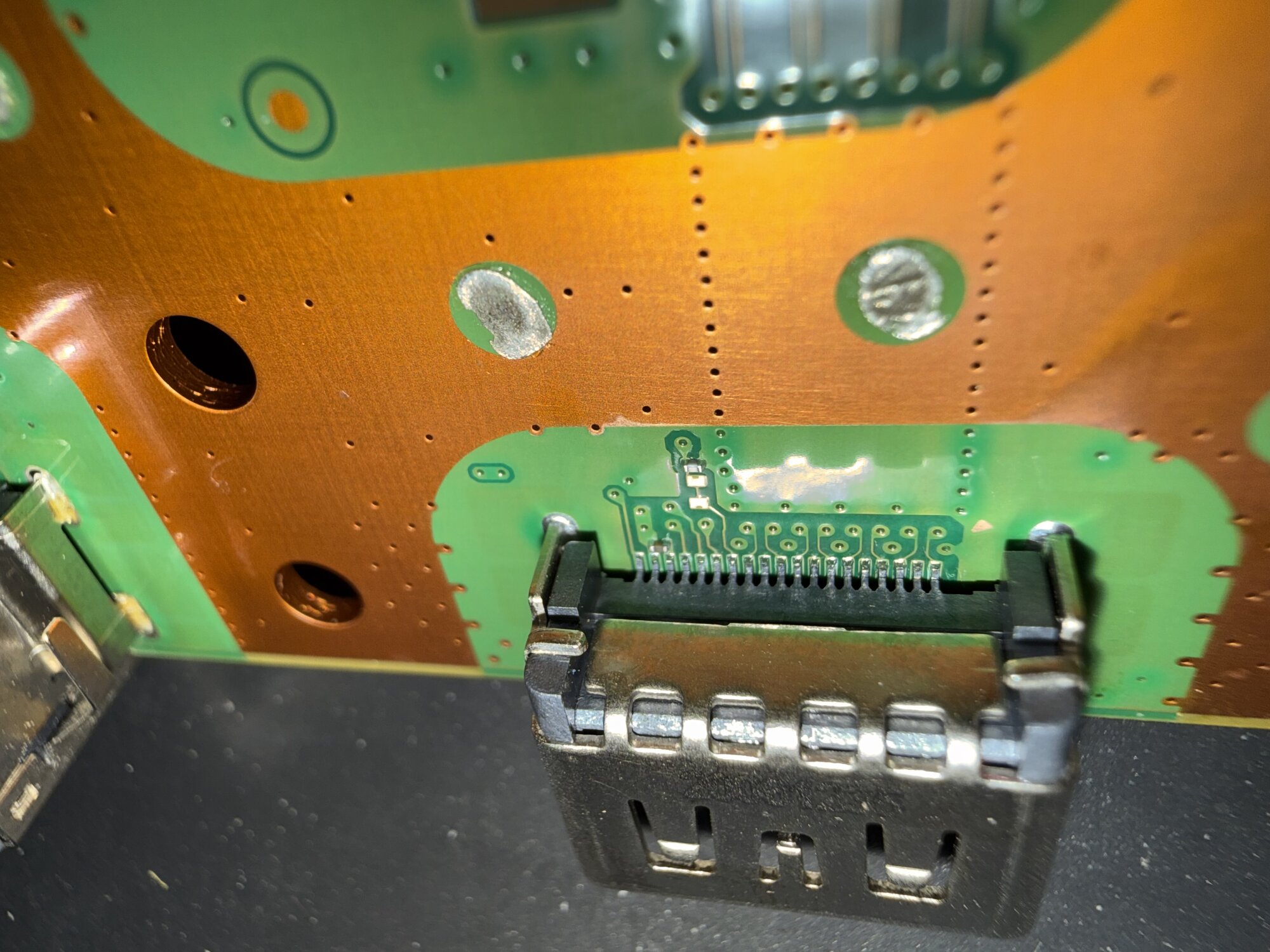
  • HDMI port replacement
  • No power or dead console
  • Disc drive not reading games
  • Overheating and thermal issues
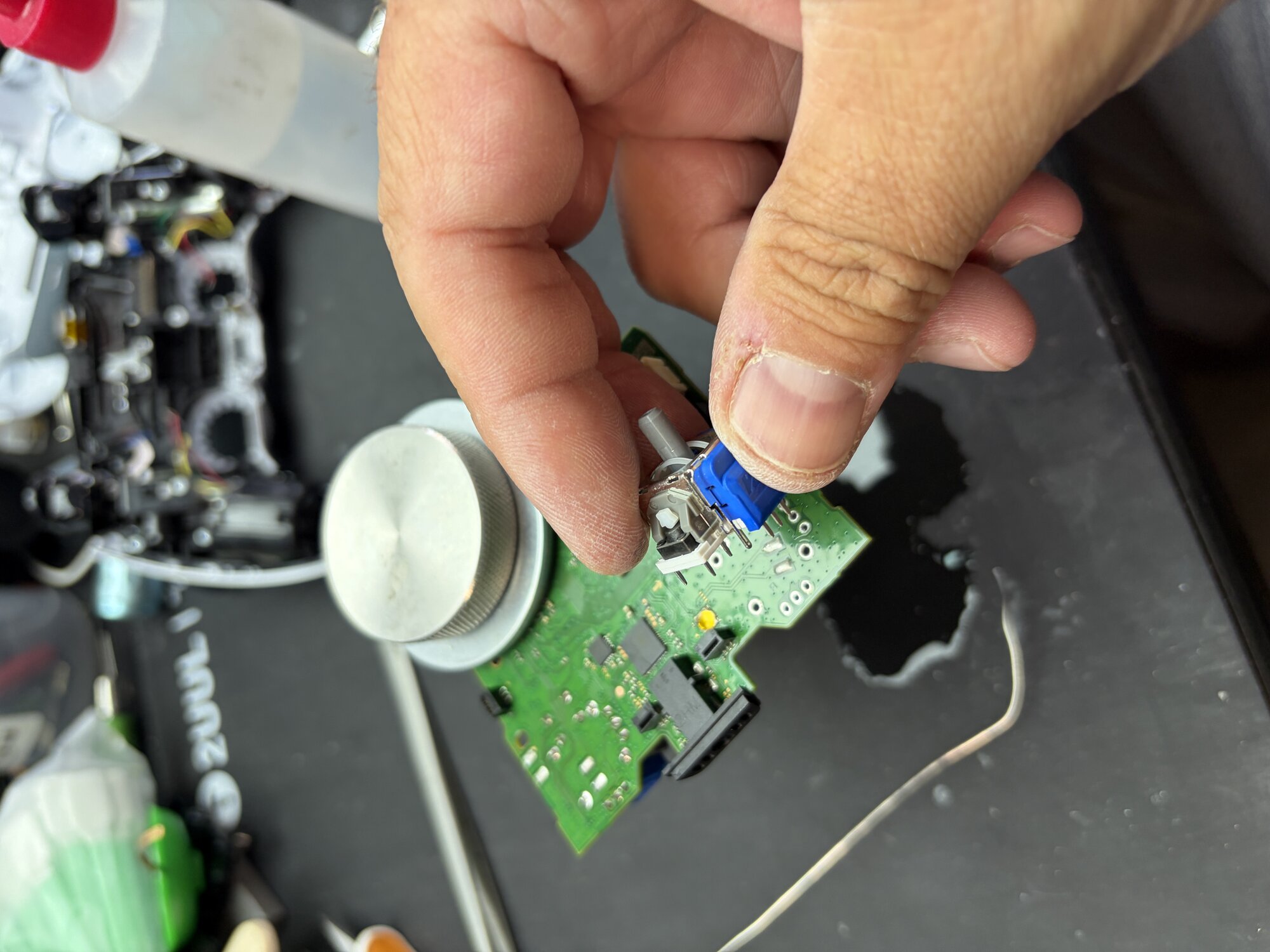
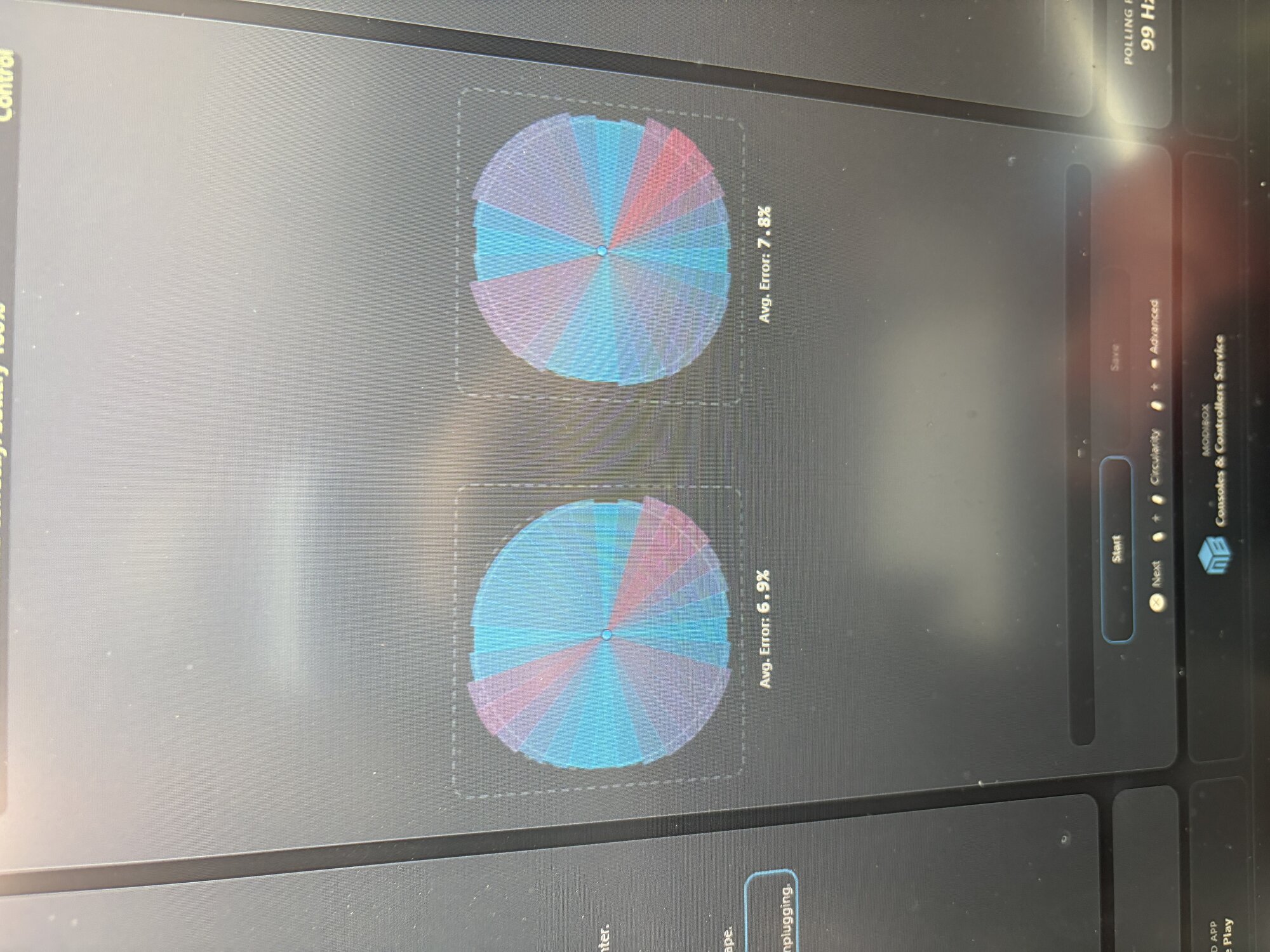
  • Joy-Con drift repair
  • YLOD/RLOD (Yellow/Red Light of Death)

Devices We Repair in Cedar Fort

  • PlayStation 5
  • PlayStation 4
  • Xbox Series X/S
  • Xbox One
  • Nintendo Switch
  • Steam Deck

Frequently Asked Questions

How long does console repair take in Cedar Fort?

Console HDMI, power, thermal, storage, and controller repairs commonly need two to five business days after diagnosis and parts confirmation. Board-level damage or special-order parts can take longer. Call or text (801) 406-9003 for current timing guidance before you visit from Cedar Fort.

Can I start a repair request from Cedar Fort?

Yes. Use the online repair assistant to share your device, issue, city or ZIP, and preferred contact method before visiting or waiting for follow-up.

What areas do you serve near Cedar Fort?

We serve all of Utah County including Cedar Fort, Pleasant Grove, American Fork, Lehi, Alpine, and surrounding areas. ZIP codes served: 84013.

Do you warranty console repair in Cedar Fort?

Lifetime parts-only coverage on eligible non-OEM parts plus a 90-day workmanship warranty.

What PlayStation 5 do you repair in Cedar Fort?

The site lists support for PlayStation 5, PlayStation 4, Xbox Series X/S and related devices. Common symptoms include HDMI port replacement, No power or dead console, Disc drive not reading games, Overheating and thermal issues. If your model is not listed, use the manual device option in the repair assistant.

What should I include in a console repair request?

Include the console model, what shows on screen, whether lights or fans turn on, any error code, and whether HDMI, power, storage, heat, or controller behavior changed.

Can HDMI and no-video issues be quoted immediately?

Sometimes, but FixMY needs to know whether the port is physically damaged, whether the console powers normally, and whether another cable or display has already been tested.

What timing should Cedar Fort customers expect for game console repair?

Console HDMI, power, thermal, storage, and controller repairs commonly need two to five business days after diagnosis and parts confirmation. Board-level damage or special-order parts can take longer. FixMY confirms timing after reviewing the device, symptom, parts path, and schedule.

What details help a Cedar Fort repair request move faster?

Include the exact model, city or ZIP, the main symptom, what happened before the issue started, and whether the device still powers on.
Ready to Fix Your Device in Cedar Fort?

Start a console repair request, call, or text FixMY in Pleasant Grove.

Lifetime parts-only coverage on eligible non-OEM parts plus a 90-day workmanship warranty.

(801) 406-9003 | Pleasant Grove, UT

Call Text Book